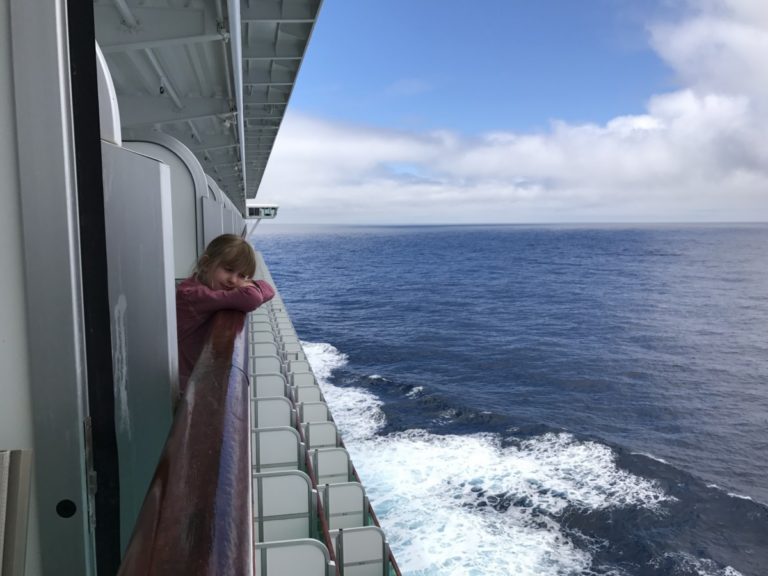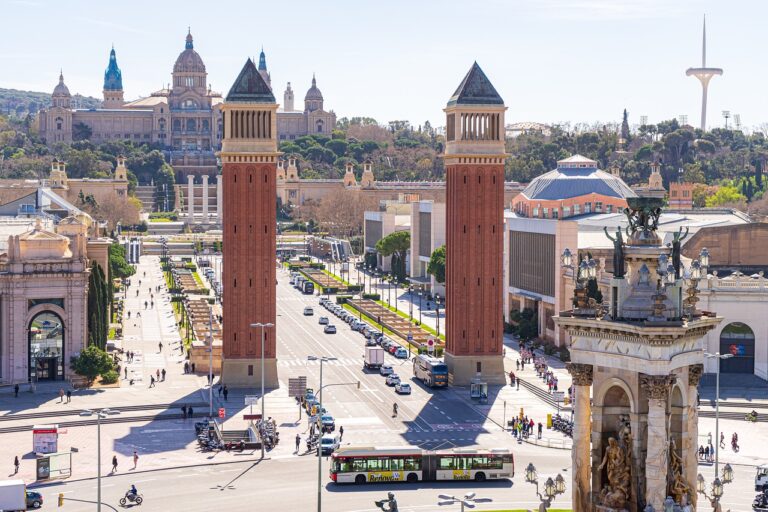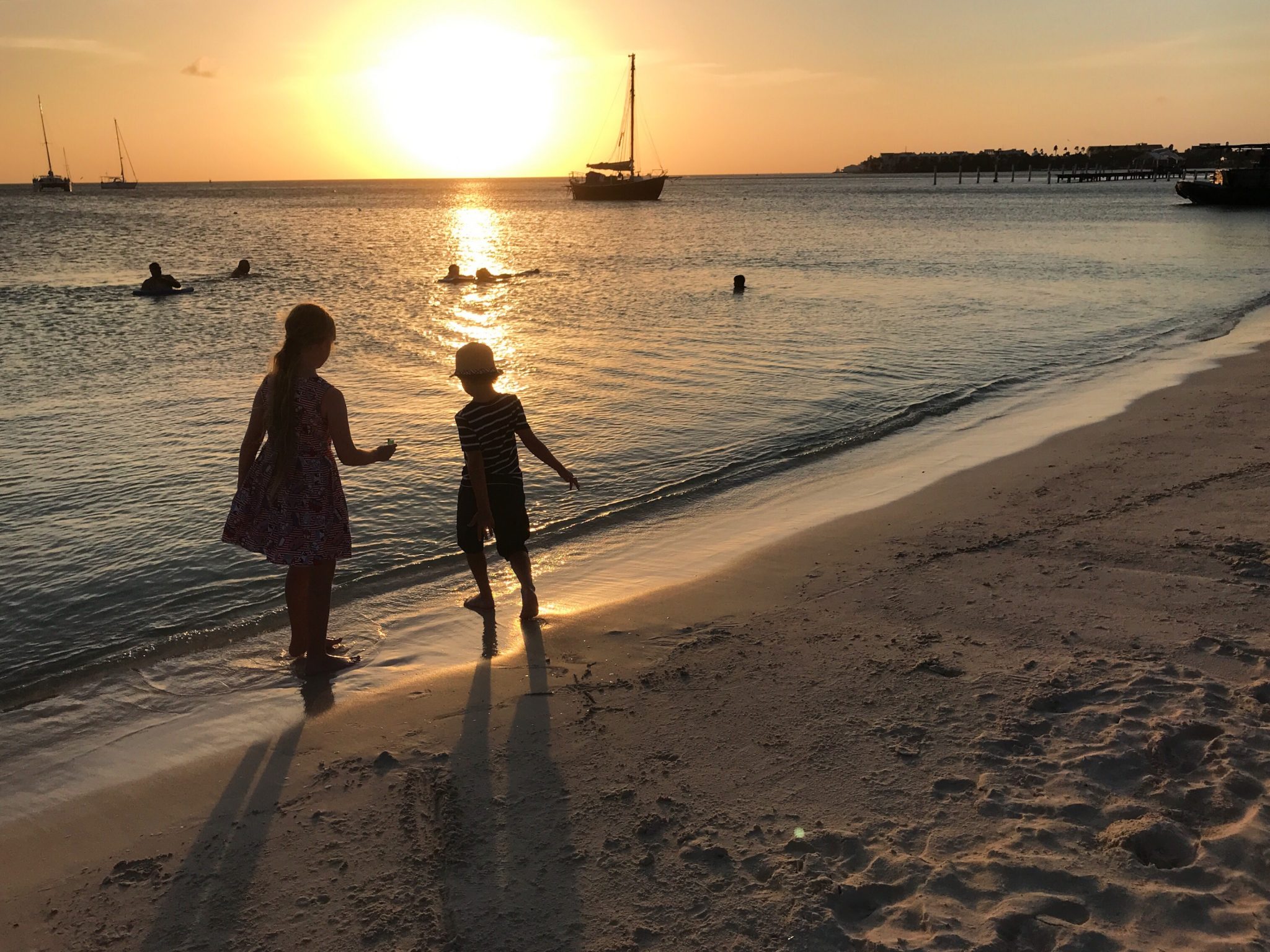
If you’re anything like an average traveller, you probably think you’ll remember every little detail from that amazing trip: the smell of street food in Bangkok, the winding alleys of Venice, the way your kids leapt in the waves in Aruba, but give it a few years, and half of those moments will blur together, lost in the shuffle of new experiences you’re bound to have. That’s why we’re such huge fans of documenting our travels.

While traditional scrapbooks have their charms, their digital counterparts are undoubtedly neater, far more customisable, often cheaper, and, as a bonus, easier to take with you. And unlike social media, where photos get buried in endless scrolling, a digital scrapbook keeps your travel highlights in one place, curated exactly how you want them.
If you’re toying with the idea of preserving your travel memories through a digital scrapbook, this blog post is for you. Below, we share our tips for creating one easily so you can have a permanent keepsake of your travel highlights.
Table of Contents
Choosing the best photos (plus enhancing the ones that need it)
While there’s nothing wrong with taking hundreds of photos, keep in mind that not every single pic deserves a spot in your digital scrapbook. If you have too many similar shots, skip all but one; if you have a nice but blurry or poorly lit photo, fix it with photo editing tools (if the moment is worth saving).
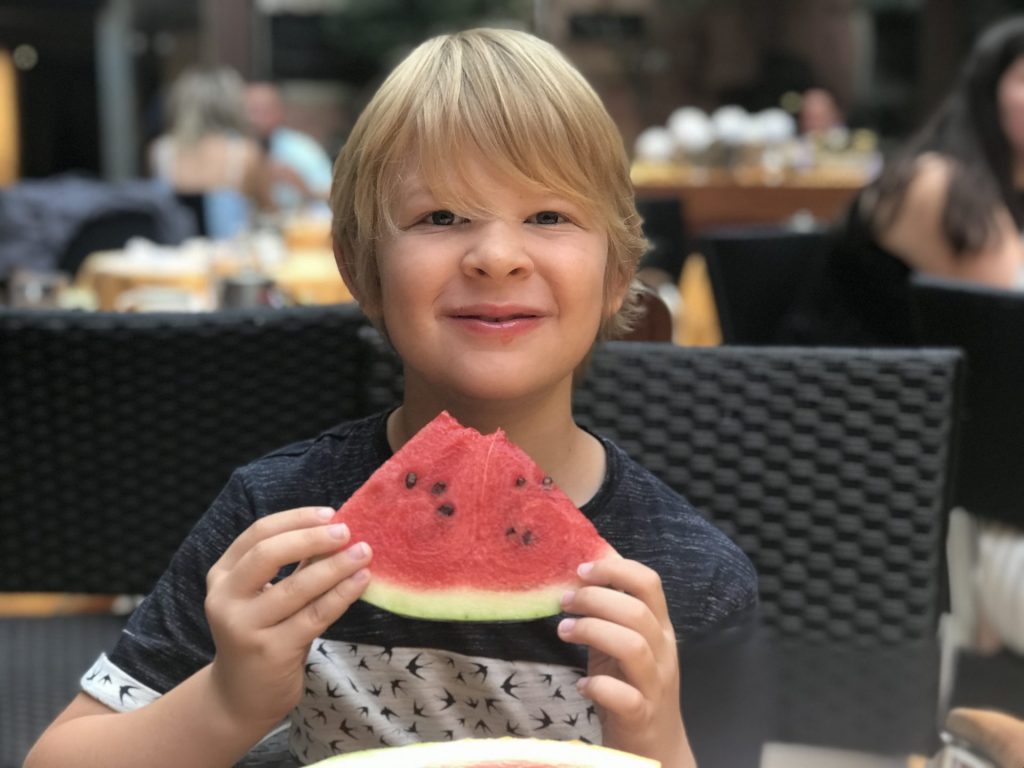
Here’s how you can choose the best pics for your scrapbook:
- Prioritise emotion over perfection: The best travel photos are usually the ones that capture a feeling – whether it’s your child’s awe at seeing the Eiffel Tower for the first time or the chaos of navigating a busy street market. Often, pics zoomed in on parts of an object you like (like a painting in a museum) work better than photos of an object as a whole.
- Limit similar shots: If you took 20 photos of the same sunset, pick the best one and move on (don’t overthink it). Overloading your scrapbook with near-identical images will dilute the impact of each individual photo.
- Balance people and scenery: A mix of candid family moments and beautiful landscapes will create a well-rounded scrapbook. Too many posed group photos can make it feel stiff, while only scenery might make it feel impersonal.
- Look for storytelling potential: A single image can transport you back to a specific moment. For example, a photo of a gelato might remind you of a perfect afternoon in Rome. The point is, choose images that trigger memories.
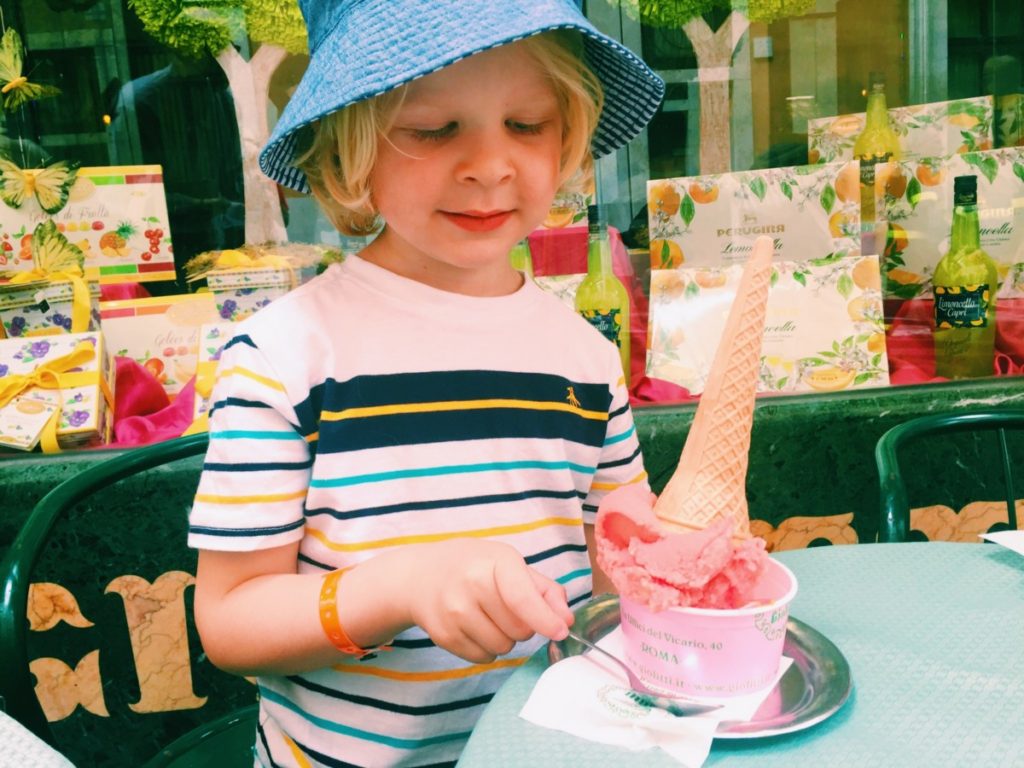
As for photos you’d like to include in your scrapbook that are not exactly camera-perfect, a few quick edits can make a big difference:
- Crop distractions to keep the focus on what matters.
- Boost brightness and contrast to correct dull images.
- Apply light filters sparingly (subtle adjustments work better than heavy presets).
- Sharpen details if your photo looks a little too soft.
Travel memories – Using online scrapbook platforms
This one is obvious, but to create a digital scrapbook, you need to use an online scrapbook platform. Luckily, there are plenty of options, including Canva, Mixbook, ScrapbookFlair, and others.
All offer templates, stickers, and customisable layouts, so no graphic design skills are required. You can drag and drop images, add text, layer decorative elements, and rearrange pages effortlessly.

For a more interactive experience, apps like Journey or Day One combine digital scrapbooking with journaling. And if you want something collaborative (great for family trips), Google Slides or Notion lets multiple people contribute.
Incorporating more than just photos
A great travel scrapbook doesn’t just rely on pictures. Mixing in other elements makes the experience so much richer:
- Maps: Show your route or highlight key locations. A screenshot from Google Maps works fine, or you can design a custom version.
- Tickets & Passes: Plane tickets, train stubs, museum passes – scan or photograph them. They add context to your trip timeline.
- Travel Guides & Itineraries: Instead of losing those detailed PDF travel guides you downloaded, convert PDF to JPG easily using tools like Canva. That way, you can integrate them directly into your scrapbook.
Even screenshots of conversations (like hilarious family group chats about getting lost, or nearly missing a flight) can add personality to your pages.
Travel memories – Making captions and text work for you
A scrapbook without words can feel empty. But don’t worry, you don’t need to write a novel – just enough to capture what mattered most.
- Use captions to add context: A simple “Best vegan tacos ever – Mexico City, 2024″ is better than guessing later. If your scrapbook includes travel clips too, using a tool to add subtitles to video can give each moment the same helpful context, so the story is still clear when you revisit it years later.
- Mix in quotes or fun anecdotes: Did someone say something funny? Capture those spontaneous moments.
- Keep it personal: You’re not writing for an audience, so focus on what will jog your own memory years from now.
If you’re creating a digital scrapbook for your kids, consider adding short notes they can read later, like what they loved most about the trip or their reaction to new experiences.
Keeping it organised without overcomplicating
Finally, keep in mind that a scrapbook should be enjoyable to flip through, not an overwhelming book of random pages. Thankfully, keeping things organised is pretty easy:
- Chronological order works well for storytelling, but don’t be afraid to group pages by themes (food, landscapes, cultural experiences).
- Stick to a cohesive design by picking a colour scheme or font style that ties everything together.
- Don’t overfill pages because too many things on one page make it hard to focus. Leave space for elements to breathe.
And remember – this isn’t a school project. If you find yourself stressing over layouts, keep it simple. Done is always better than a perfect work-in-progress.